Quick answer
Identify Fire OS or Vega OS before considering an APK. Check the package, architecture, date, permissions and source; allow external installs only for Downloader or the file manager you use, then turn the permission off. If details are missing, use the store, browser or a compatible casting route.
Fire TV Stick, Android TV and Smart TV are different
Fire TV Stick does not always mean the same operating system. Amazon lists recent Fire TV Stick models with Vega OS and other Fire TV products with different Fire OS releases and Android levels. A file that works on Google TV therefore does not prove compatibility with your model; storage, performance and accessory support also vary.
Before searching for Futbol Libre on Fire TV Stick, open Settings, My Fire TV and About. Record the model, operating system and free storage. If the device shows Vega OS, treat it as a separate platform and try the store, browser or casting first. Tizen and webOS televisions also do not install Android APK files directly.
| Device | Direct APK assumption | Prudent route |
|---|---|---|
| Fire TV Stick with Vega OS | Do not assume APK support | Store, browser or casting. |
| Fire TV with Fire OS | Depends on model and release | Check source, remote and permissions. |
| Android TV / Google TV | Yes when sideloading is allowed | Use a source you can inspect. |
| Android TV Box | Depends on architecture | Check package and signature. |
| Tizen or webOS TV | No native APK | Browser, casting or external device. |
| Integrated Fire TV | Depends on Fire OS or Vega OS | Confirm system and free space. |
Prepare before searching for Futbol Libre on Fire TV Stick
When you search for Futbol Libre on Fire TV Stick, decide whether you need an installed app, a web page in Silk or a cast from Android. APK is not one verified version: pages and mirrors may show different names and packages. Do not choose the first button that mentions Fire TV.
Check the network, free space and power adapter as well. Saturated Wi-Fi or weak USB power can look like an app failure. These tests do not make an unknown file safe, but they prevent changing packages without understanding the cause.
- Record the model, operating system, version, free storage and available control method.
- Choose an app, browser route or phone casting before downloading anything.
- Look for package, architecture, date, size and permission details; stop when they are missing.
- Use a stable network and a Bluetooth keyboard only when the remote cannot navigate.
- Keep data from existing apps and do not uninstall a package before comparing identities.
Downloader on Fire OS: what it does and does not prove
To use Futbol Libre on Fire TV Stick with Downloader, remember that Downloader only transfers a file. It does not verify the developer, signature or broadcast rights. Leave when a page hides the package, redirects repeatedly or requires another installer to continue.
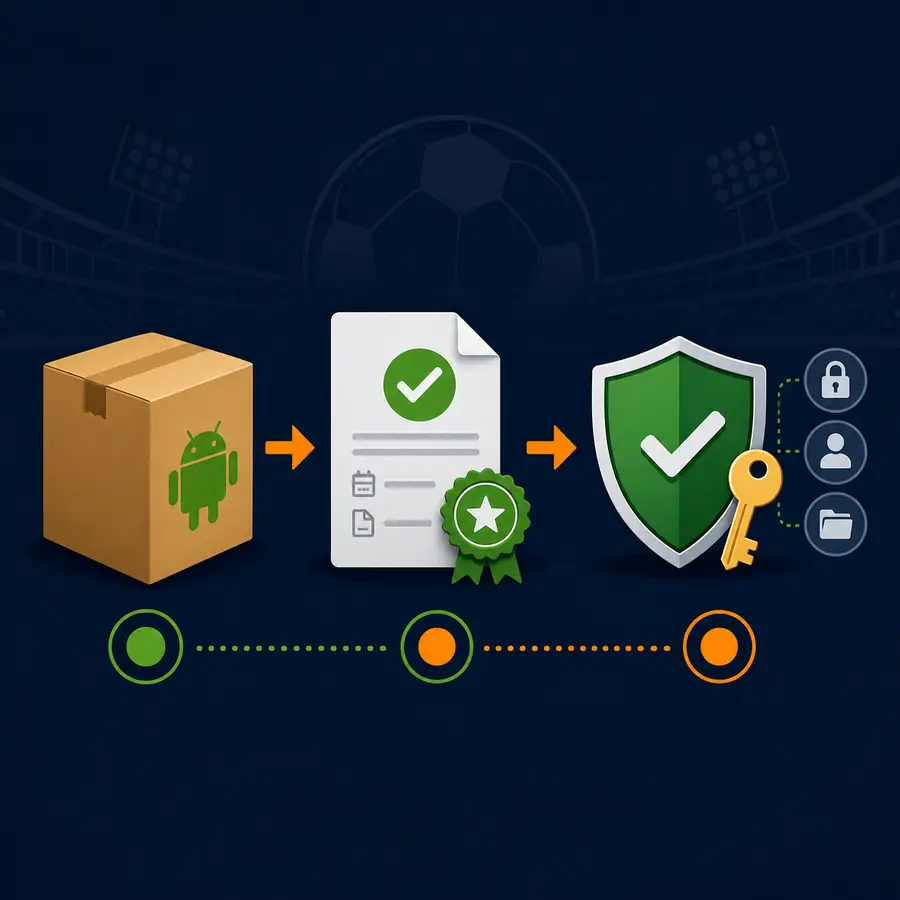
Use this method only when the device runs Fire OS and permits external installation. Allow the permission for Downloader or the chosen file manager, review the file and turn the permission off afterwards. A signature or package error is a reason to recheck the source, not to collect more clones.
- Install Downloader from the device store when it is available.
- In My Fire TV, allow external installs only for Downloader and note the setting.
- Enter a URL you can inspect; avoid short links and forced redirects.
- Check package, architecture, date, size and permissions before opening the installer.
- Test the remote, delete the temporary file and revoke the permission.
USB and computer checks
USB is useful when you want to inspect a file on a computer before copying it to Fire TV. Keep the original filename and compare the size after transfer. It reduces typing mistakes, but it does not remove the risk of a modified APK.
ADB requires a compatible Fire OS device, developer settings, a local IP address and the same network. It is not a security shortcut. If you do not understand the command, use a browser or casting instead.
- Download on a computer and inspect source, package, architecture and date.
- Confirm that the model supports the USB adapter, then copy only the inspected file.
- Open a recognized file manager and grant USB access only when needed.
- Test navigation and playback, then remove the installer from temporary storage.
- Turn off developer or external-install settings that you no longer need.
Remote control, layout and playback
Many Android apps are touch-first. On Fire TV they may open without responding to arrow keys or may hide the play button. Test focus, Back and close actions; a Bluetooth keyboard can help during a short check, but it does not turn a mobile layout into a TV interface.
Playback also depends on network, codec and source. If one signal fails, compare an authorized source before changing APKs. Avoid codecs, players or profiles suggested by pop-ups because each extra installer adds risk.
| Symptom | Short check | Prudent choice |
|---|---|---|
| Remote cannot move focus | Try arrows, Back and a temporary keyboard | Use a TV-ready app or browser. |
| Playback cuts out | Compare Wi-Fi and an authorized source | Do not swap APKs blindly. |
| Small or rotated screen | Check whether the app is mobile-first | Prefer browser or casting. |
| Storage is full | Clear temporary files | Keep one reviewed installer only. |
Common errors without mixing packages
App not installed usually points to architecture, minimum version, storage, a damaged file or a different signature. Uninstalling can remove settings, so record the package before deciding whether you really need to replace it.
If Fire TV blocks a file or requests permissions unrelated to sports, stop. Network and optional notifications may have a reason; SMS, contacts, accessibility or device administration need a clear explanation.
| Problem | Possible cause | Prudent response |
|---|---|---|
| App not installed | Architecture, signature or version | Compare package and system. |
| Closes immediately | Compatibility or storage | Clear temporary data and try web. |
| Unexpected permissions | Modified or different app | Cancel and remove the file. |
| Downloader keeps redirecting | Shortener or aggressive ads | Exit without installing. |
| Video will not load | Network, server or regional rights | Check an authorized alternative. |
Version, source and legality
There is no universal latest version for every Fire TV Stick. Similar names can point to different packages, and public listings change. This guide does not publish a number, size or APK link without a first-party listing that can be checked for the exact device and package.
Availability depends on country, provider and broadcast rights. Device compatibility does not prove that a stream is authorized. For stable access, check licensed sports services, an official league site or a score app, and read the privacy policy before entering data.
Final checklist and non-APK alternatives
Before keeping Futbol Libre on Fire TV Stick, confirm that the device, file and remote fit together. If they do not, open a web page in Silk, cast from a phone or use an Android TV Box that explicitly supports the app.
If you cannot identify the package or source, delete the file and keep your current setup. The goal is fewer changes, not more installers until one happens to launch.
| Question | If yes | If no |
|---|---|---|
| Is the system and file compatible? | Run a controlled test | Use browser, casting or an external device. |
| Does the listing show identity and date? | Compare before installing | Do not open the installer. |
| Does the remote work? | Keep one reviewed version | Use a TV-ready route. |
| Are source and rights clear? | Follow local conditions | Choose an authorized provider. |
Frequently asked questions
Does Futbol Libre work on Fire TV Stick?
It depends on the model and operating system. Amazon distinguishes Fire OS and Vega OS; an Android TV APK is not automatically compatible. Check system, package, remote, permissions and source, or use a store, browser or cast.
Can I install any Futbol Libre APK on Firestick?
No. Some models use Vega OS and others Fire OS, while similar names may belong to different apps and signatures. Check the system, package, architecture, date, size and permissions.
Does Downloader make a download safe?
No. It transfers a URL; it does not verify the developer, signature or rights. Avoid short links and delete the file afterwards.
Is USB better for Fire TV installation?
USB makes computer review easier, but it does not remove the risk of a modified APK. Apply the same source, package, architecture and permission checks.
What does app not installed mean?
Check architecture, minimum version, storage, file integrity and signature. Do not collect clones or uninstall the previous app without saving its data.
Why does the remote fail inside the app?
Many apps are touch-first. Test focus and a temporary keyboard; if the layout remains unusable, choose a browser or app designed for TV.
Is there one latest version for all Fire TV Sticks?
No verified universal version is available. Packages differ and there is no single first-party listing for every model. Compare the exact package instead of trusting a latest claim.
Can I install it on a Samsung or LG television?
Not directly on Tizen or webOS. Use a browser, casting or an external Fire TV/Android TV device whose platform supports the route.
Which permissions should worry me?
Network or notifications may have a reason; SMS, contacts, accessibility and device administration need a clear explanation. Cancel when the request does not fit the use.
Does compatibility prove the stream is legal?
No. Rights depend on country, competition and provider. For reliability, use licensed services and the official league site.
Source and verification limits
- Amazon Fire TV: Fire OS overview and device table — Checked October 8, 2026; the documentation distinguishes Fire OS, Android levels and Vega OS models.
The source confirms platform differences, not an APK, a stream or universal compatibility. No version, file size or direct download is published without a verifiable listing.