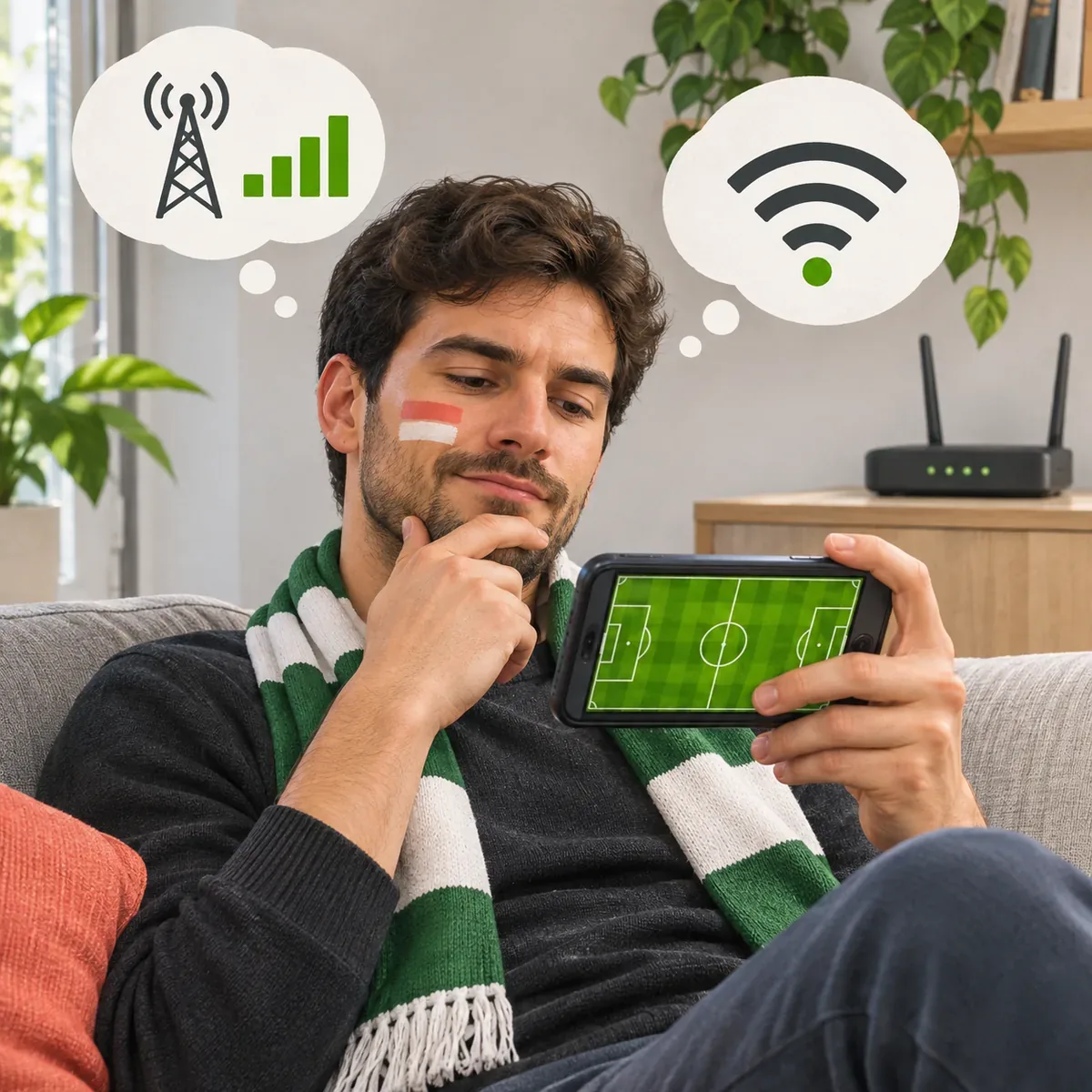
Quick answer
Multiply bitrate in Mbps by playback seconds, then divide by 8 for decimal MB; divide by 1,000 for decimal GB. At 2 Mbps for 90 minutes, the calculation is 1.35 GB. That is an estimate: quality changes, audio and network traffic affect the real total.
GB per match depends on the stream, not just the game
There is no fixed answer to how much data live football uses. The total depends on the bitrate delivered by the player and the time it remains open. Two viewers can watch the same match for the same duration and receive different amounts. Adaptive playback may also raise or lower quality as coverage, congestion and device capability change.
Treat the table as a calculation from hypothetical bitrates, not a rule such as every 480p stream uses one amount or every HD stream another. Resolution alone does not reveal transferred data; codecs and moving scenes change the bit rate. If the player does not expose its bitrate, GB per match is a planning estimate, not a promise about a carrier bill.
Formula for estimating GB per match
The basic calculation is MB = Mbps × seconds ÷ 8. To estimate GB per match, divide decimal MB by 1,000. If the rate changes during play, an average bitrate is needed. A speed test measures available connection capacity at one moment; it does not tell you the stream's average rate.
At 2 Mbps for 90 minutes: 2 × 5,400 ÷ 8 = 1,350 MB, or 1.35 decimal GB. One hour at the same rate is 900 MB. A phone's counter can differ because of audio, ads, preloading, quality changes and network traffic outside the video.
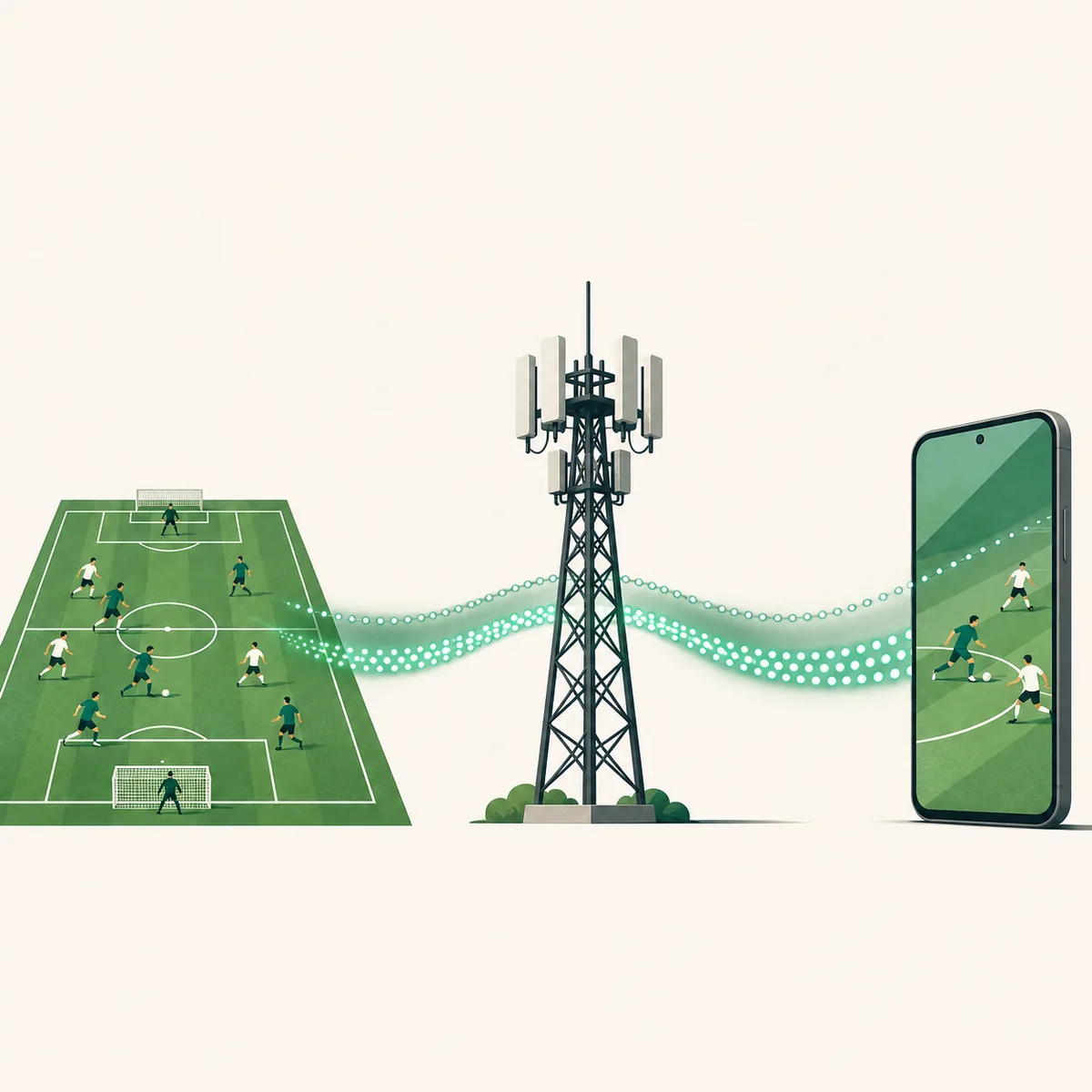
Estimated data by bitrate and match length
These examples use four hypothetical rates and decimal units: 1 GB = 1,000 MB. They are not Futbol Libre measurements or guaranteed conversions from SD, HD or 4K labels. Actual quality can change during a match.
For 15 minutes of extra time, use Mbps × 900 ÷ 8. At 2 Mbps that adds about 225 MB before network differences. The same calculation works for a preview, half-time coverage or post-match playback.
| Hypothetical average bitrate | 1 hour | 90 minutes | 120 minutes |
|---|---|---|---|
| 0.8 Mbps | 360 MB | 540 MB | 720 MB |
| 1.5 Mbps | 675 MB | 1,013 MB (1.01 GB) | 1.35 GB |
| 3 Mbps | 1.35 GB | 2,025 MB (2.03 GB) | 2.70 GB |
| 5 Mbps | 2.25 GB | 3,375 MB (3.38 GB) | 4.50 GB |
Connection speed is different from data use
Mbps describes bits that a connection can transfer per second under particular conditions. MB and GB describe an amount accumulated over time. A 30 Mbps speed test does not mean the phone downloads 30 MB every second, and a video does not necessarily use all available capacity.
Coverage, obstacles and network congestion affect the speed available. A test also transfers its own data and captures one moment, so it is not a direct measurement of a full match. A closer estimate needs the player's average bitrate or the app's mobile-data counter during a controlled session.
This guide uses decimal GB, as mobile plans commonly do. A phone may display binary units or round usage differently from the carrier. Leave some room if your plan has a hard cap rather than treating a rounded estimate as exact.
Why GB per match varies between streams
Resolution matters, but the codec, scene detail, frame rate and compression also change bitrate. Two players showing 720p can transfer different amounts. Fast camera pans, a moving crowd and close replays may be encoded differently from a still scene.
Automatic quality can move up or down with the connection. Pre-match coverage, ads, replays and leaving the player open add viewing time, so count everything played rather than only the regulation 90 minutes.
Pauses, seeking, preloading and reconnects can change which segments reach the phone. Audio and network protocols add traffic too. There is no universal percentage to add; measure the service and device you actually use.

Estimate usage when the player hides its bitrate
Do not turn a label such as High or Auto into an invented number. A phone counter can estimate one session, but it cannot describe every match. Check whether your operating system can show mobile data by app or browser.
Record the counter, play for ten minutes without other downloads, and check it again. Multiplying the change by six gives a rough hourly projection, but it can be wrong if quality changes or the player preloads segments. Scale that estimate to the expected duration and leave room for variation.
If there is no per-app counter, compare total mobile use before and after with as few background tasks as possible. Repeat in another session if coverage varies. A short test gives an order of magnitude, not a guarantee for the next stream.
- Write down the mobile-data counter and check whether use is listed by app.
- Measure a timed interval on the connection you expect to use.
- Multiply the change by six only as a rough hourly projection.
- Add preview or extra time and leave room for quality changes.
Planning a match on a limited mobile plan
Check how many GB remain and how long you expect to watch. Compare two table scenarios instead of relying on the lowest one. Automatic quality can rise when the network improves, and a player left open before or after the match adds time.
If the legitimate service offers a quality or data-saving control, you can use it; not every player has a manual selector. A trusted Wi-Fi connection avoids using the mobile allowance. Phone settings may also offer per-app limits, warnings and background-data controls.
Pause automatic updates and other video playback if they are not needed. That reduces unrelated traffic but does not set a guaranteed total. Do not install unknown APKs, extensions or players to unlock quality; a data setting does not require unrelated permissions.
Check the actual usage after watching
After the match, check the phone's mobile-data use by app or browser. The counter may update late, round values or differ from the carrier, which groups billing periods differently.
For a useful comparison, keep the device, duration and quality similar and note pauses or coverage changes. Wi-Fi use normally does not count against the mobile plan. Do not attribute every change to the match if other apps were downloading at the same time.
Record several representative sessions and use the highest as a cautious planning reference. A provider's estimate describes its own app and conditions, not another player or country.
A carrier figure is not a universal bitrate
Tigo Paraguay says a complete match in its Tigo Sports app uses about 1 GB of mobile data. That is a useful provider-specific reference, not a rule for every service; bitrate and measurement conditions may differ.
We do not apply that figure to Futbol Libre. We did not find a public, verifiable bitrate that supports one fixed total for that player. Numbers without a method are guidance from that source, not a guarantee for your phone.
Summary: estimate by time and measure your device
To estimate GB per match, multiply bitrate by seconds and divide by eight. Separate the hypothetical calculation from a phone measurement; there is no universal total if a player does not publish its rate.
On a limited plan, monitor the counter and account for extra time. This guide offers no match links and does not recommend installing third-party players.
Frequently asked questions
How many GB per match does live football use?
It depends on bitrate and viewing time. At 2 Mbps, 90 minutes calculate to 1.35 decimal GB; that is not universal.
How much data does one 90-minute football match use?
At an average 2 Mbps, the formula gives 1,350 MB. A different bitrate or longer stream changes the total.
Does Futbol Libre always use 1 GB per match?
There is no public, verifiable bitrate for a fixed figure. Tigo's estimate applies to its own Tigo Sports app.
Does 720p or 1080p tell me exactly how much data I will use?
No. Codec, scene detail and automatic quality affect bitrate as well as resolution.
Does a 20 Mbps connection use 20 MB every second?
No. Mbps measures megabits; MB measures megabytes, and video may use only part of the available capacity.
How can I measure a stream's actual data use?
Compare the app or browser's mobile-data counter before and after a timed session with no other downloads.
Source and limits
- Tigo Paraguay help center: data used by a match in Tigo Sports — Tigo estimates about 1 GB for a full match in its own app; this is not a universal rate for other services.
The other table values are reproducible calculations from hypothetical bitrates, not measured Futbol Libre usage or a carrier recommendation.