Quick answer
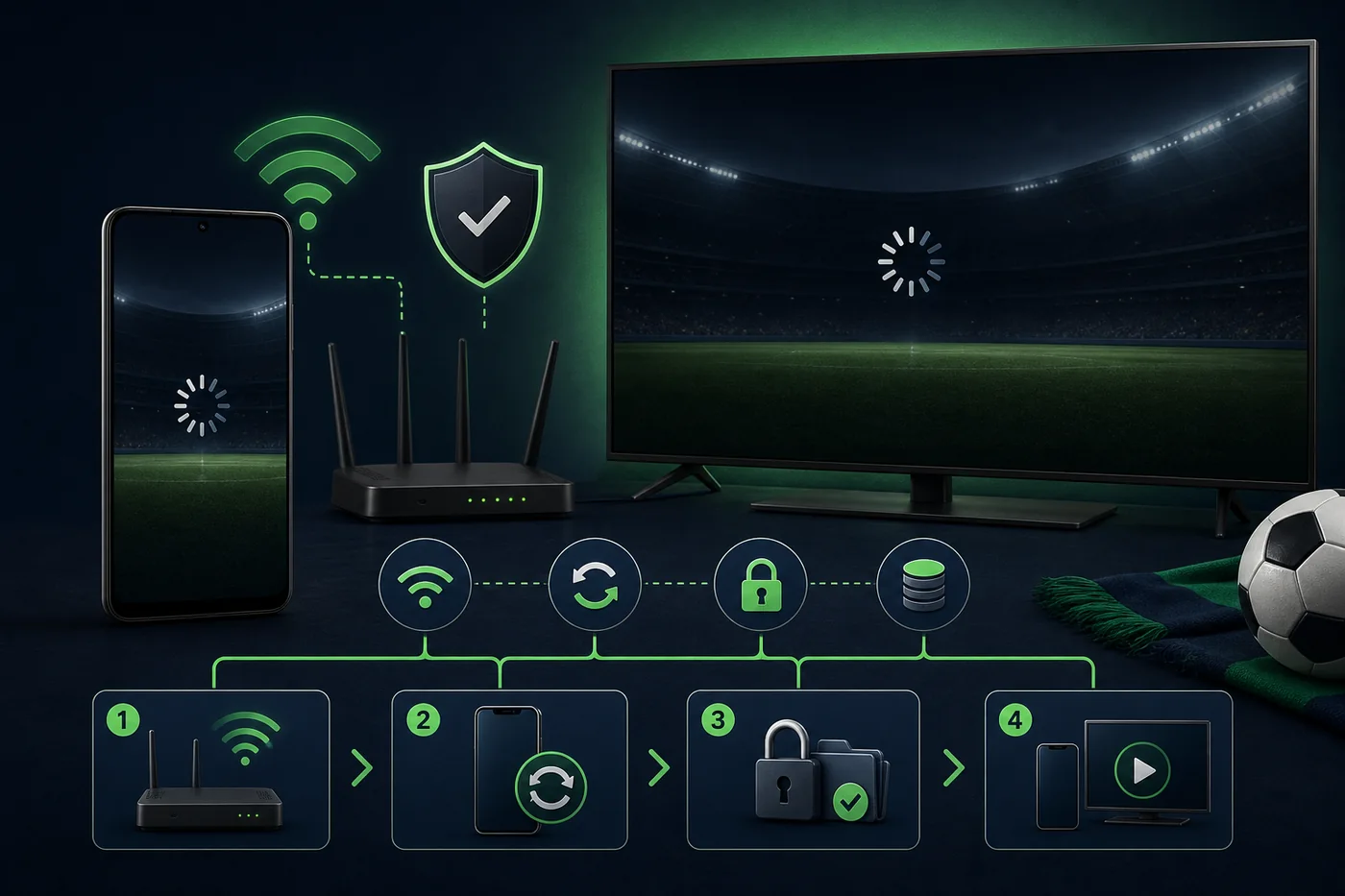
Try another network, verify the link, restart the browser or app, clear cache only, and compare source, package and version before updating. Google Play says ar.com.futbollibre does not stream live matches, so missing video may be a product difference.
Define the failure first
Not working may mean the website will not open, the player keeps loading, the app crashes, or it only shows scores. Record the message, device, network and recent update.
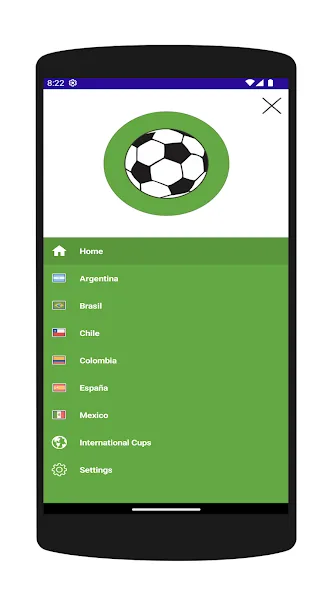
Do not mix similarly named products. Google Play lists ar.com.futbollibre for scores, schedules and standings, not live video. Mirrors may list other packages.
| Symptom | Likely cause | First action |
|---|---|---|
| Page will not open | Domain, DNS or outage | Verify URL and another network |
| Black screen | Player, cookies or busy server | Reload in a private window |
| App crashes | Cache, storage or compatibility | Restart and clear cache |
| Scores only | Product has no video | Read the listing and use a licensed service |
Nine low-risk steps
Follow this order so a simple failure does not become a security problem.
- Test other videos on the same network.
- Switch Wi-Fi and mobile data.
- Verify the domain or store listing.
- Fully restart app or browser.
- Try a private window.
- Clear cache before app data.
- Check storage, date, time and permissions.
- Compare name, package, version, date and size.
- Stop chaining APKs; use a licensed option or wait.
When matches will not play
A busy server is not fixed by permissions or codecs. Use an updated browser without unknown extensions.
Check event, region and schedule. Rights restrictions and removed links require an authorized source.
Android cache, permissions and package
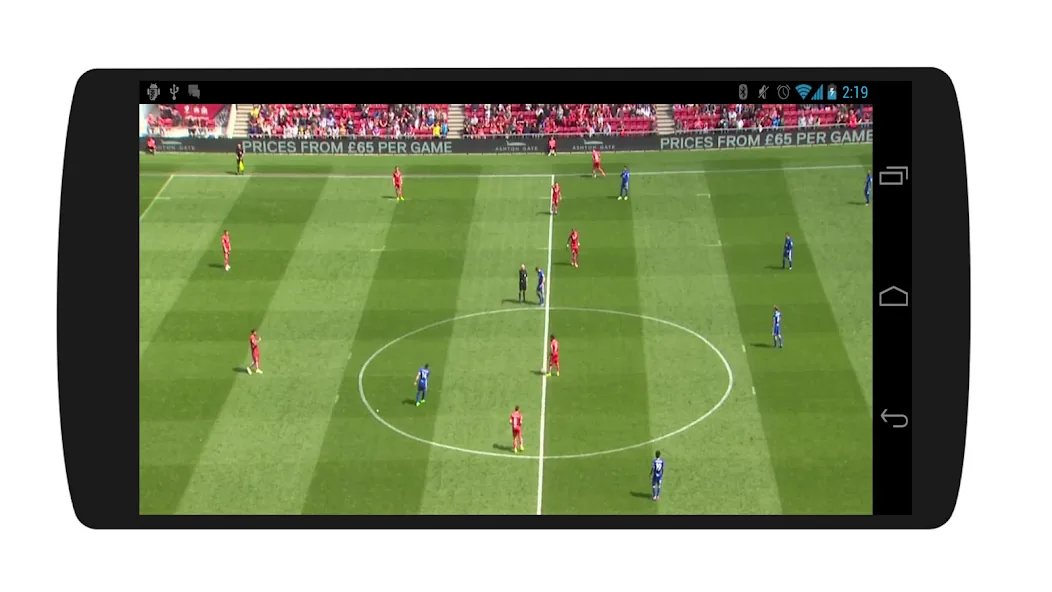
Force stop, clear cache and check free storage. Do not grant SMS, contacts, accessibility or install permissions without a real need.
Compare package names before updating. The homepage owns version and source intent; this guide owns troubleshooting.
Android TV, Smart TV, PC and iPhone
Restart device and router, check storage, and avoid phone-only installers on TV. Use an updated browser on PC; a configuration profile on iPhone is a warning sign.
Use the dedicated Android TV and online guides for installation, domains, pop-ups and mirrors.
When to stop
Stop after redirects, card requests, profiles, certificates, extensions or unrelated permissions. Close the page and remove incomplete downloads.
No mirror is guaranteed official, safe or permanent. Prefer a verified store, developer or licensed broadcaster.
Versions checked August 6, 2026
Google Play still lists ar.com.futbollibre, updated June 19, 2026, and says it has no live matches. APKPure separately lists com.futbolenvivo.futbollibre 3.0; older packages such as com.futbollibre.app 1.2 also appear.
Updating without checking the package can make the problem worse. This page provides no direct APK.
Intent boundaries
Latest version, old version, Uptodown and APKPure remain on the homepage. Android TV has its own guide. This URL covers only access, loading, playback and compatibility.
Frequently asked questions
Why are matches not showing?
Server load, a removed link, regional restrictions, player incompatibility or a scores-only app may be responsible.
What if it keeps loading?
Try another network, restart, use a private window and clear cache. Do not install pop-up codecs.
Should I update the APK?
Only when the package name matches and the source is trustworthy.
Is clearing data the same as cache?
No. Clearing data resets the app and may remove preferences.
Does it work on Android TV?
It depends on package and device; use the dedicated guide.
Is an extra player safe?
Avoid unknown players, profiles, certificates and extensions.