Quick answer
There is no single verified official version for everything labelled Futbol Libre APK. Google Play listings use different packages and developers, while mirrors distribute other variants. If you only need a match, try a web or authorized service first; if you assess an APK, identify the package and permissions before opening it.
What people mean by Futbol Libre APK live
The query Futbol Libre APK live usually has an informational and installation intent: the reader wants to know whether an Android app can follow a match, which file belongs to Android, and how to avoid a misleading download. It is not the same as Futbol Libre online, which usually means opening a web page in a browser.
The same phrase can also lead to a brand search, a shared link or an Android TV question. Separate web access, Android package installation and legal availability of a stream. A page that only promises a download does not answer the most important question: what exactly is being installed.
| Query | Likely intent | Useful answer |
|---|---|---|
| Futbol Libre APK live | Assess an Android app for football | Check package, source and permissions. |
| Futbol Libre online | Open a web page | Review domain, redirects and forced downloads. |
| Futbol Libre TV app | Find an app or TV variant | Compare developer, store, date and device. |
| Futbol Libre APK latest version | Update one specific variant | Match the same package name, not just the visible name. |
The name does not identify one application
An Android app is identified by its package name and signing identity. Two listings may use Futbol Libre, Futbol Libre+ or FutbolLibre App and still belong to different developers. A package change is not a normal update: it may be another app with different permissions and a different source.
Our source check found Google Play listings with different package identifiers and a third-party mirror that associates FutbolLibre App 3.0 with com.futbolenvivo.futbollibre. That mix does not prove that every variant is official or that 3.0 is the latest version of one product.
| Identifier | Source type | How to read it |
|---|---|---|
| com.nbk.futbollibre | Google Play | Futbol Libre+; check the publisher and listing. |
| ar.com.futbollibre | Google Play | Another similarly named listing; do not assume it updates the first one. |
| com.futbollibre.scoreslive | Google Play | A separate results-oriented variant; verify its scope. |
| com.futbolenvivo.futbollibre | APKPure/Uptodown | Third-party mirror; a catalogue entry does not make it official. |
Sources worth comparing
- Google Play — package com.nbk.futbollibre - Check publisher, date and package directly in the store.
- Google Play — package ar.com.futbollibre - A separate listing; do not describe it as an automatic update.
- Google Play — package com.futbollibre.scoreslive - Useful for comparing identity and publisher, not for proving all APKs are the same.
- Third-party listing — package com.futbolenvivo.futbollibre - Reference mirror only; not a recommended direct download or proof of official status.
Checklist before installing an APK for live football
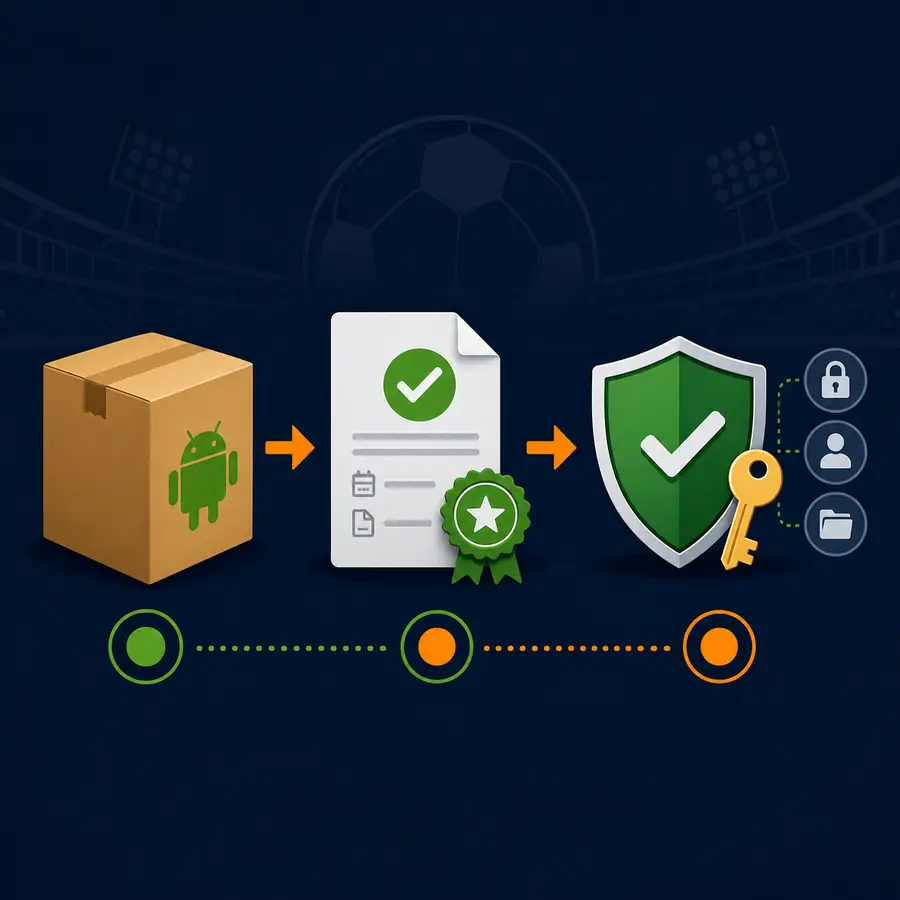
Start with the source listing, not the download button. Look for the full package name, publisher, update date, file size, minimum Android version and a reasonable explanation of permissions. If the page only shows a large app name and a button, the evidence is incomplete.
Then compare the file with the app already installed. A different package can create a second app or replace another variant. Do not remove the old app until you know what data it stores and which source you used. If the file comes from a pop-up, short link or unexplained chat message, treat it as unverified.
- Copy the package name and developer from the source listing.
- Compare date, size, minimum Android version and, when available, signature or hash.
- Review permissions: network access and optional notifications may make sense; SMS, contacts, accessibility or device administration require a stop.
- Allow installation from unknown sources only for the chosen installer and turn it off afterward.
- Open the app without granting unnecessary permissions and delete the file if its identity does not match.
Android phone, Android TV and browser are different routes
On an Android phone you can open a web page, install an APK or use a results app. Android TV and TV Box add remote-control, storage, architecture and installation issues through Downloader, a file manager or USB. A non-Android Smart TV does not install an Android APK as a native app.
A browser may be enough if you only need schedules or a quick check. Manual installation adds another risk surface and does not guarantee a stable stream. For a big screen, separate the device decision from the source decision: verify the source first, then check compatibility.

| Route | Benefit | Main limit |
|---|---|---|
| Android phone + APK | Portable access | Permissions, clones and different packages. |
| Android TV or TV Box | Large screen and remote | Compatibility, storage and unknown sources. |
| Browser on PC or phone | No package installed by default | Pop-ups, redirects and automatic downloads. |
| Non-Android Smart TV | Browser or casting may work | Does not natively accept Android APK files. |
Live does not mean official or available in your country
Live describes what the reader wants to watch; it does not prove that an app has broadcast rights. Match availability depends on country, competition and the provider holding local rights. An app may show scores, external links or a stream that stops working, so permanent access should never be promised.
If a page says everything is free, unlimited and official without naming a publisher, source or rights holder, reduce your trust. Avoid installing a player, codec, VPN, extension or profile that appears as an unexpected requirement. A football stream should not need SMS, contacts or full device administration.
| Warning sign | What it may indicate | Prudent action |
|---|---|---|
| Chain redirects | The real URL is hidden | Close the tab and do not download. |
| Repeated download buttons | Ads or disguised installers | Do not run the file; return to the original listing. |
| Unrelated permissions | Collection or abuse risk | Cancel and remove the variant. |
| Guaranteed stream promise | Unverifiable marketing | Check rights and local availability. |
If you only want the match, start with the lowest-friction option
Not every live-football search needs an APK. For scores, schedules, lineups or alerts, an official results app or league website may be enough. For video, find the service with rights in your country and check the provider before paying or signing in.
If you arrived from a web page, use the Futbol Libre online guide to review domains, pop-ups and downloads. If the goal is a big screen, use the Android TV or Smart TV guides; if you want to update one variant, compare the package name in the latest-version guide. Separating intent prevents installing a file just because it appears next to a match.
What to do when Android blocks the installation
Android may block an APK because the source lacks permission, the file is incomplete, the minimum version does not match, the signature differs or Play Protect detects a risk. Do not turn every block into an instruction to disable all protections. Return to the source, confirm the package and look for an official alternative first.
If a variant is already installed and shows intrusive ads, unusual permissions, abnormal battery use or redirects, uninstall it, revoke permissions and run the device security check. Keep the date and source for your own record, but do not forward the file as if it were verified.
| Problem | Check | Do not do |
|---|---|---|
| Incompatible file | Android version and architecture | Install random variants. |
| Source blocked | Permission only for the selected installer | Leave unknown sources enabled globally. |
| Stream does not open | Domain, rights and local availability | Download several APKs to test. |
| Unexpected permissions | App identity and behaviour | Grant SMS, contacts or accessibility without a reason. |
Limits and summary
This page does not confirm one official app, provide a direct APK or guarantee that a stream is legal, stable or available in every country. It explains the difference between a store listing, a third-party mirror, a streaming website and a file with no clear provenance.
The practical rule is simple: identify the package, compare the source, review permissions and avoid pop-up downloads. If you cannot verify those details, use a web or authorized alternative for the match and leave the APK uninstalled.
Frequently asked questions
Is Futbol Libre APK live an official app?
We cannot confirm one official app for every variant. Google Play and mirrors show different packages and publishers, so compare the exact listing before installing.
What is the latest Futbol Libre APK version?
There is no single verified number for everything using that name. Compare the same package name, source and publisher.
Is Futbol Libre online the same as Futbol Libre APK?
No. Online usually means a browser page; an APK is an Android package. The steps and risks are different.
What permissions should a football app request?
Network access and optional notifications may be reasonable. SMS, contacts, accessibility or device administration are reasons to stop and review the source.
Does the APK work on Android TV or TV Box?
Only if the device and package are compatible. A non-Android Smart TV does not natively install an Android APK.
What should I do if Android blocks the file?
Check the source, package name, minimum version and file integrity. Do not disable every protection just to force an installation.
Can I download a direct APK from this page?
No. Without one verifiable first-party source, it is more responsible to link reference listings and explain what must match than to invent or recommend a direct download.